How it works
From the messenger to a translation, without copying anything
-
01
Open the message
A voice message or a text, in WhatsApp, Telegram, Signal or any other app.
-
02
Tap Share, choose Sayvo
No copying, no recording it again. Sayvo takes the file or the text as it is.
-
03
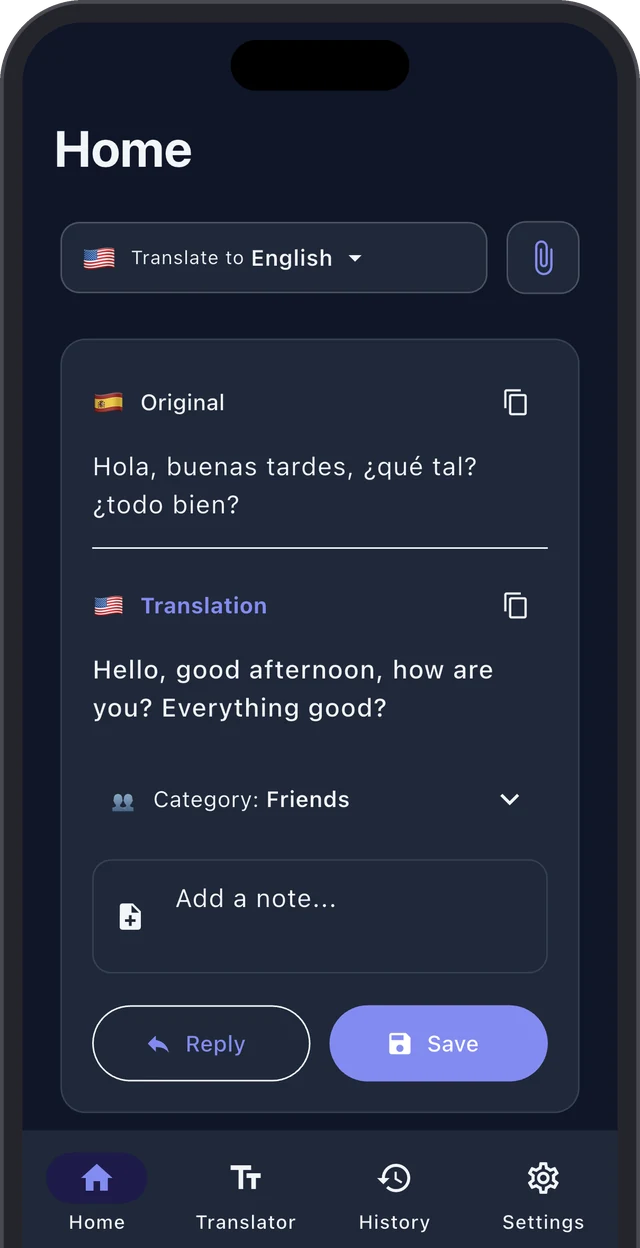
Read the translation
The original transcript and the translation together, in seconds.
Languages
50+ languages, detected by themselves
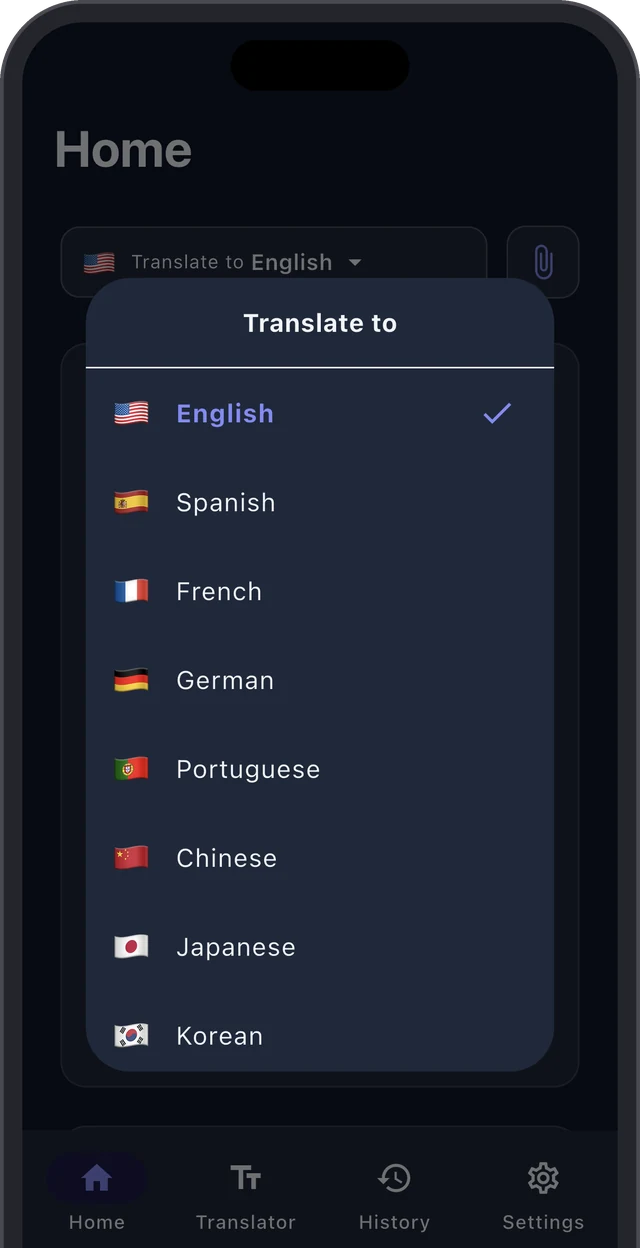
Pick the language you want to read in once. Sayvo works out what language each message is in, so there is nothing to set before you translate.
- Change the target language and the same message is translated again
- The language of each message is detected automatically
- The app itself speaks 14 languages
History
Keep the translations that matter
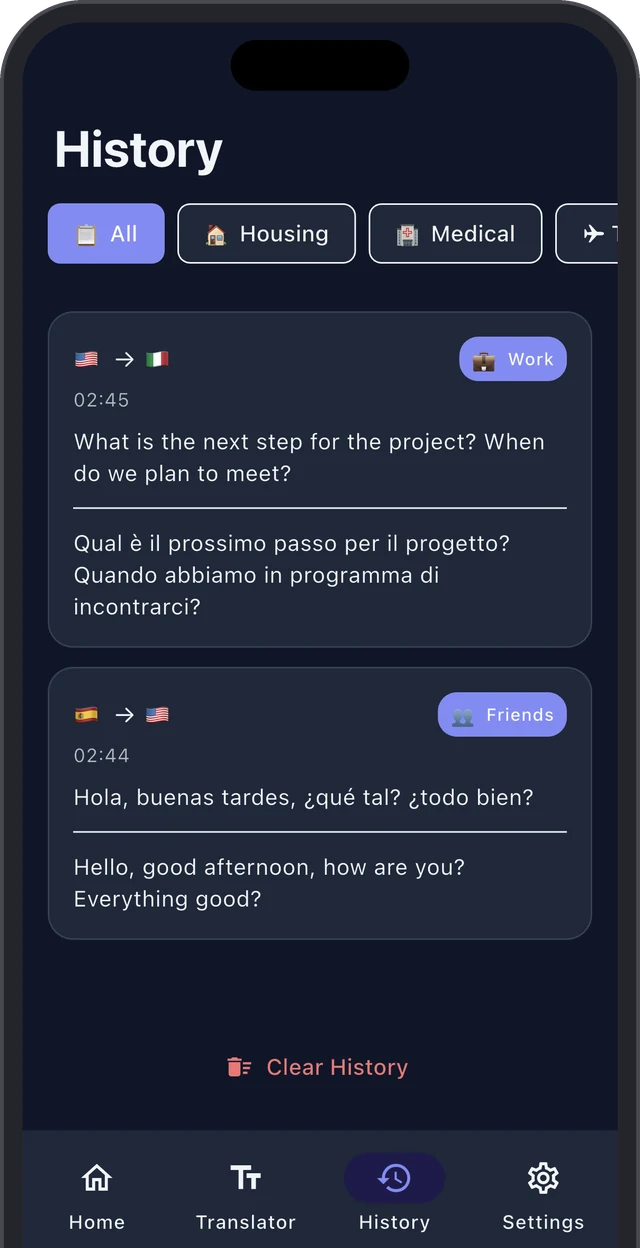
Save a translation with a category and a note, and find it later: the landlord's instructions, the doctor's advice, the plan for Saturday.
- Reply straight from a translation, in the other person's language
- History stays on your iPhone
- Light and dark themes
Also in Sayvo
Small things that save time
Audio files
m4a, mp3, ogg, opus, wav and more, from Files or any app.
Text messages
Share a text and it is translated as soon as it arrives.
Dictation
Say it in your language, get text you can translate and send.
Original next to translation
See exactly what was said, not only what it means.
Copy and share
Send the translation on to anyone with one tap.
No account
Nothing to sign up for. Open the app and start.
Your messages are not kept
Audio and text pass through our server to be translated and are not stored afterwards. Sayvo does not ask for your name, email or phone number, and there is no advertising or tracking. Everything the server does keep is listed in the privacy policy.
FAQ
Questions people ask
Which messengers does it work with?
Any app that can share an audio file or text, including WhatsApp, Telegram and Signal. Open the message, tap Share and choose Sayvo.
Is Sayvo free?
Yes, with daily limits on translations. Your first three voice messages can be any length; after that, free ones can be up to one minute long. Premium removes the free plan's limits, with a daily fair-use limit, and is available as a weekly, monthly or yearly subscription, or as a one-time lifetime purchase.
Which languages can it translate?
More than 50, including English, Spanish, Portuguese, French, German, Italian, Turkish, Russian, Ukrainian, Polish, Arabic, Chinese, Japanese, Korean and Hindi.
Does it work on Android?
Not yet. Sayvo is available for iPhone, on iOS 16 or later.
Sayvo is not in the share sheet. What do I do?
Scroll the row of apps in the share sheet to the end, tap More and switch Sayvo on. If it still is not there, open Sayvo once and try again.
More answers on the support page.
Understand the next voice message
Free on the App Store, for iPhone.
